WhatsApp CRM for Real Estate in India: Manage Listings and Enquiries From One Chat
By Plotraa Team · Published
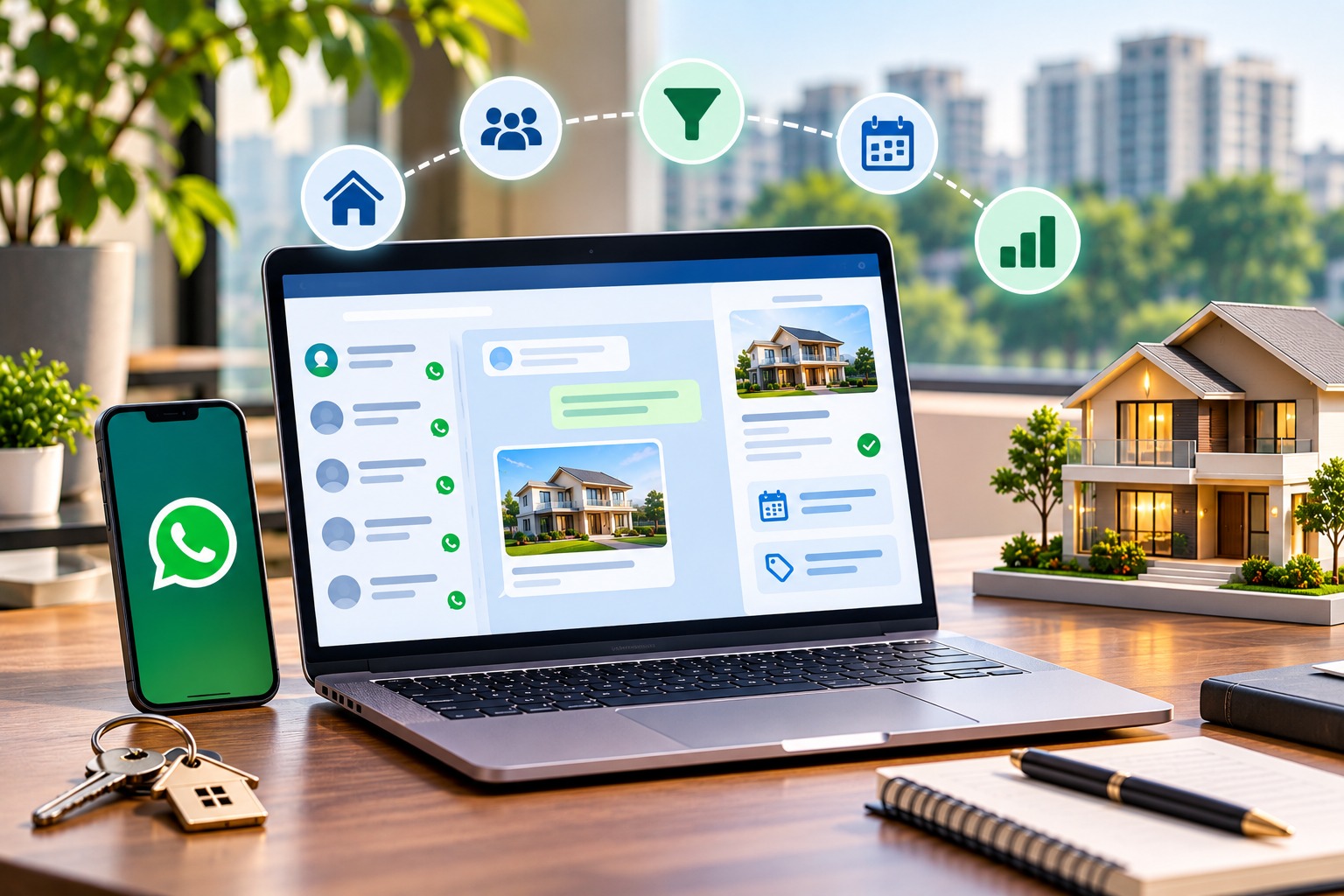
Ask any property dealer in Punjab where their business really happens, and the answer is the same: WhatsApp. Owners send property details on WhatsApp, buyers ask questions on WhatsApp, and site visits are fixed on WhatsApp. So why do most CRMs expect dealers to leave WhatsApp and type everything into a separate app?
This guide explains what a WhatsApp CRM is, how it differs from a normal real estate CRM, and who it suits best. (If you’re still comparing tools, read our guide to the best CRM for property dealers in India.)
The problem with “normal” CRMs for property dealers
Most real estate CRMs were built for big brokerages with office staff. They need forms, fields, logins and training. A dealer who spends half the day on site visits doesn’t open them, so the data ends up back in WhatsApp and a notebook. A CRM nobody uses is just an expense.
The problem with plain WhatsApp
WhatsApp is fast, but it isn’t a system:
Listings get buried under hundreds of chats
Photos get lost or forwarded without details
You can’t quickly find “that 100 gaj plot near the bypass” from three weeks ago
When an agent leaves, their listings and owner contacts leave with them
What a WhatsApp CRM does differently
A WhatsApp-first tool like Plotraa keeps you working the way you already do and adds the order you’re missing:
List by message. Send the property details on WhatsApp as you normally would, and they become a proper listing.
Photos stay with the listing. Send them on WhatsApp or upload them on the web.
Location on the map. The listing shows the location, and you can correct the pin if it’s slightly off.
Price is optional. Many dealers prefer to discuss price on call, and that’s fine.
One clean link for buyers. Share a single listing link instead of forwarding ten photos and a long message.
Team dashboard. On multi-user plans, you see all listings in one place and which agent added each one.
Who should use a WhatsApp CRM?
Small and mid-size property dealers in Ludhiana, Amritsar, Jalandhar, Mohali, Patiala and Chandigarh
Colonisers selling plots in a project
Dealers with 2–5 agents who need one view of every listing
Anyone who has tried a “proper” CRM and gone back to WhatsApp
WhatsApp CRM vs normal CRM vs plain WhatsApp
Plain WhatsApp Normal CRM WhatsApp CRM
Learning time None Days Minutes
Listing a property Send a message Fill a form Send a message
Photos and location No Yes Yes
kept together
Shareable listing link No Sometimes Yes
Works on site, on Yes Often not Yes
the phone
Frequently asked questions
Do I need to install a new app?
No. You list properties by sending a WhatsApp message to Plotraa.
Can my agents list properties too?
Yes, on multi-user plans. Every listing shows in your dashboard with the name of the agent who added it.
Do I have to show the price?
No. Price is optional.
What does it cost?
Plans are on the pricing page.
Try it with one message
Send your first property on WhatsApp and see it become a listing: Message Plotraa on WhatsApp · +91 93951 90000 · plotraa.com